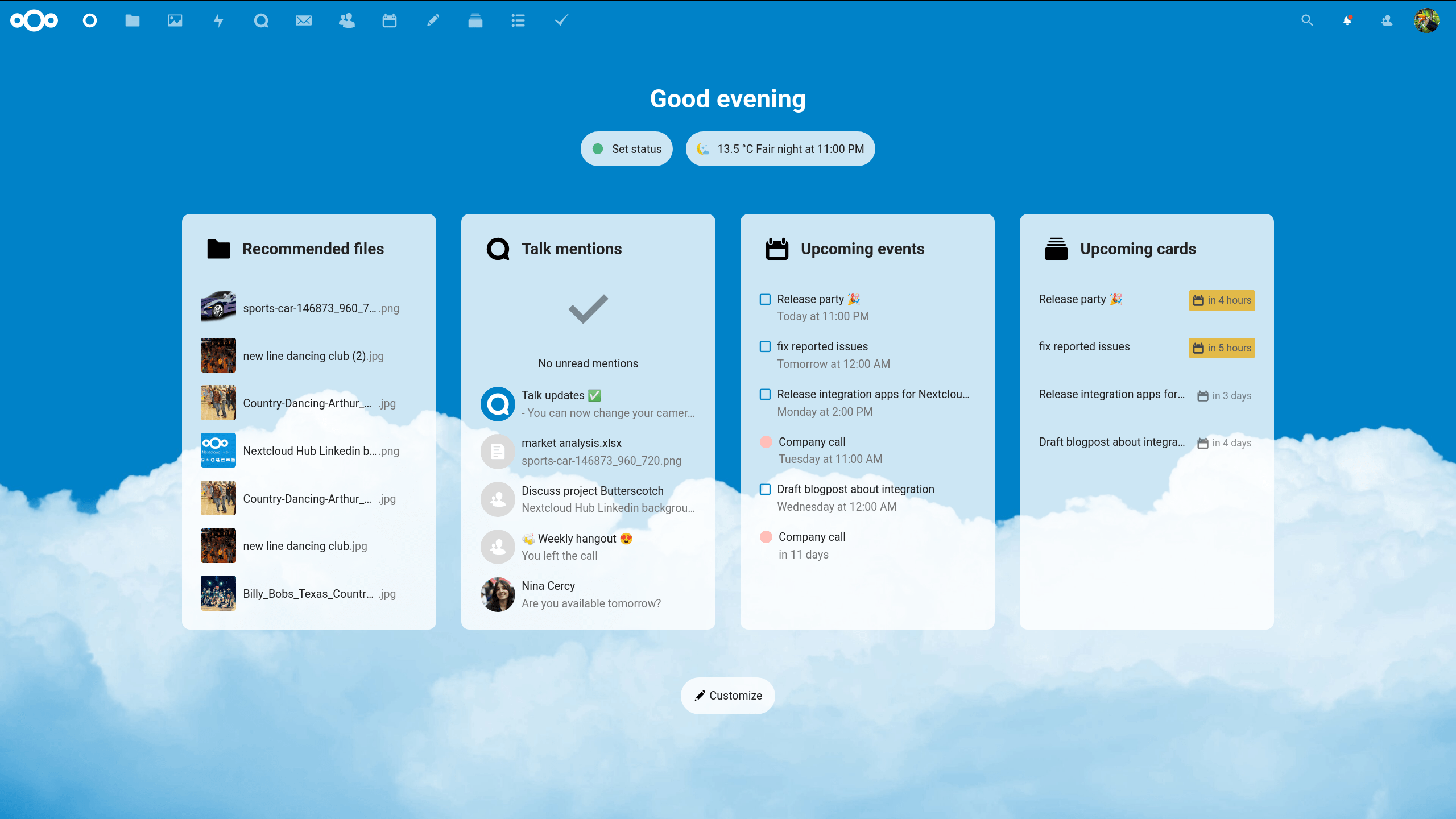
In today’s digital world, data privacy, collaboration, and control over infrastructure are more important than ever. Many organizations rely on public cloud providers, but this often comes with limitations such as vendor lock-in, recurring costs, and reduced control over sensitive data.
This is where Nextcloud stands out as a powerful alternative.
---
## What is Nextcloud?
Nextcloud is an open-source self-hosted cloud platform that allows individuals and organizations to store, manage, and collaborate on data securely. It works like Google Drive or Dropbox—but with one key difference: you fully control your data and infrastructure.
You can run it on your own server, private cloud, or Kubernetes cluster, making it suitable for both small teams and large enterprises.
---
## Key Features of Nextcloud
### File Storage & Sync
Nextcloud provides secure file storage with synchronization across desktop, mobile, and web. Users can access their files from anywhere while keeping everything synced in real time.
### File Sharing
Easily share files and folders with internal users or external partners. You can set permissions, expiration dates, and password protection for shared links.
### Collaboration Tools
Nextcloud is more than storage—it’s a collaboration platform. It includes:
- Document editing
- Comments and file activity tracking
- Shared team folders
### Communication (Nextcloud Talk)
Built-in chat, voice, and video calls allow teams to communicate securely without third-party tools.
### Calendar & Contacts
Full calendar and contact management with synchronization across devices.
### Security & Privacy
- End-to-end encryption
- Two-factor authentication
- Role-based access control
- GDPR-ready features
### Extensible Platform
Hundreds of apps and integrations for:
- Project management
- Email clients
- Automation tools
- Productivity apps
---
## Why Choose Nextcloud?
- Full data ownership (no vendor lock-in)
- Cost-efficient self-hosting
- Highly flexible deployment
- Scales from small teams to enterprise systems
---
## Common Use Cases
- Enterprise file sharing
- Private cloud storage
- Internal collaboration platform
- Secure document management
- Education and research systems
- Government and enterprise deployments
---
## Deployment Options
Nextcloud can be installed using:
- Docker
- Kubernetes
- On-premise Linux servers
- Cloud VPS
Typical production setup includes:
- Database (PostgreSQL / MariaDB)
- Redis cache
- Reverse proxy (Nginx / Traefik)
- Object storage for scaling
---
## Final Thoughts
Nextcloud is more than a file-sharing tool—it is a complete private cloud ecosystem. It gives organizations control, security, and flexibility while replacing traditional SaaS cloud solutions.
If you want full ownership of your data and a powerful collaboration platform, Nextcloud is one of the best open-source choices available today.